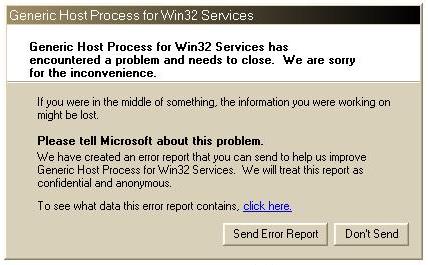
Solution 1:
Close Port 445:
1. Start Registry Editor (Regedit.exe) by clicking Start menu, and then click the Run icon.
2. In the small box that Opens, type: regedit then click the OK button. The Registry Editor will now have opened.
3. Locate the following key in the registry:
HKEY_LOCAL_MACHINESystemCurrentControlSetServicesNetBTParameters
In the right-hand side of the window find an option called TransportBindName.
Double click that value, and then delete the default value, thus giving it a blank value.
Close Port 135:
1. Then you must now navigate to the following registry key:
HKEY_LOCAL_MACHINESoftwareMicrosoftOLE
2. You will see there is a String Value called: EnableDCOM
Set the value to: N (it should currently be Y)
3. Close the Registry Editor. Shutdown and Restart your computer.
Restart PC dan masalah selesai,,
Solution 2:
1. ‘Run’ and open ‘Regedit’ and
Navigate to:
HKEY_LOCAL_MACHINE > SYSTEM > CurrentControlSet > Services > Browser > Parameters
2.Find the Key
Name: IsDomainMaster
and set
Data: False
3.Restart Your PC
Solution 3:
1.Go to ‘Run’ and open ‘cmd’
2.Type ‘netsh’ in command console then press enter
3.Then type ‘winsock’ and press enter and then type reset
4.Restart Your PC


0 comments:
Post a Comment